
Ashish19-December-2025
Common Programming Mistakes Every Beginner Make and How to Avoid Them
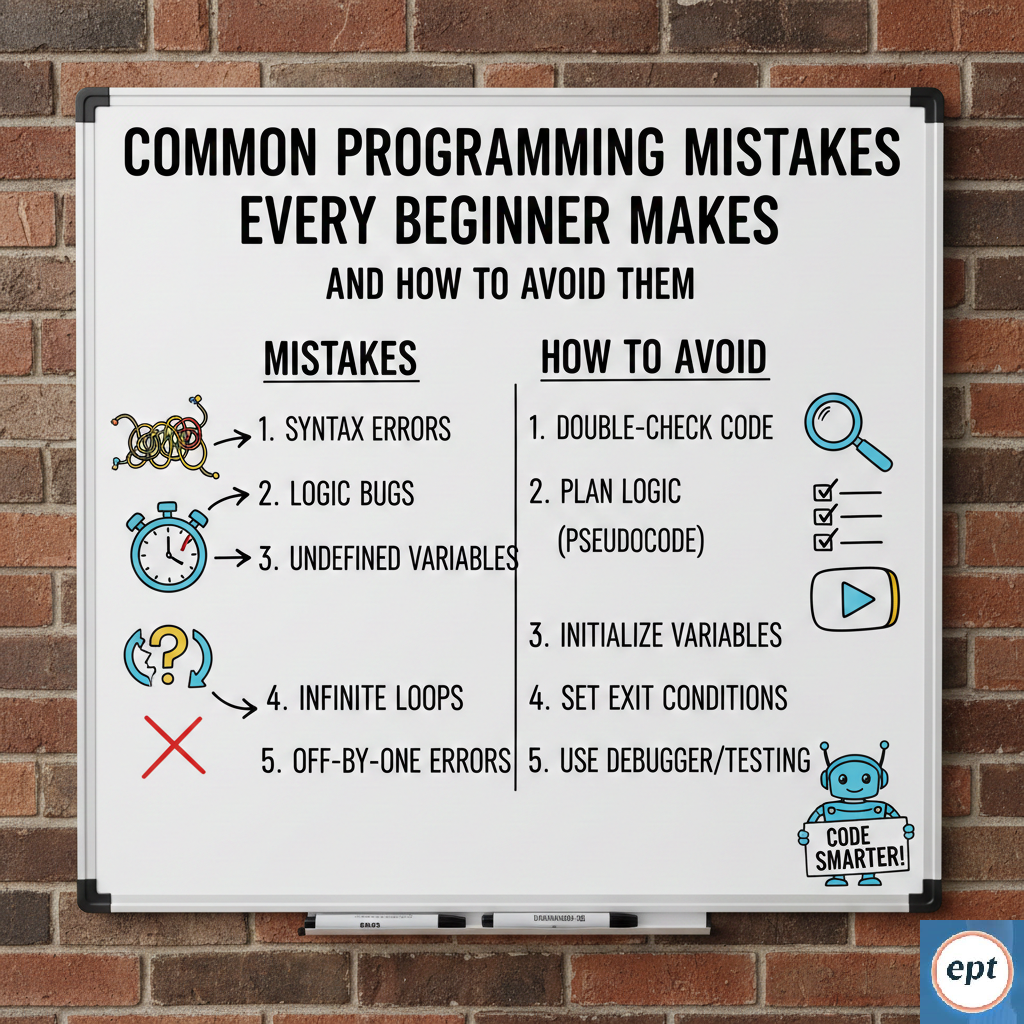
Introduction Starting your journey into coding is like learning a new language to speak. It’s exciting, but it’s easy to get stuck. Most beginners encounter the same few "potholes" that slow them down in their coding journey. The good news is that if you know what these mistakes are, you can avoid them and become a better developer more quickly. Today's blog is a simple guide to the most common programming mistakes beginners make and how to fix them. 1. The "Rush to Code" Mistake When you get a project or a problem statement, your first instinct is to start typing right away. This is like trying to build a house without a blueprint. The Problem: You can get stuck halfway through because you didn’t think about how the different parts of your code would fit together. The Fix: Take 10 minutes to plan. Use pen and paper. Write down the steps in simple terms (this is called pseudocode). If you can't explain the logic in plain terms, you won't be able to explain it to a computer. 2. Falling into "Tutorial Hell" Many beginners spend months watching YouTube tutorials or taking courses. They feel like they’re learning by following along, but when they face a blank screen, they have no idea what to do. The Problem: You’re practicing "watching," not "coding." The Fix: For every 20 minutes of a tutorial you watch, spend 40 minutes building something on your own. Break the code, change the colors, add a new button. Make it your own. 3. Using Bad Names for Variables At first, it might seem fine to name a variable x or data. But a few weeks later, you might not remember what x was supposed to represent. The Problem: Your code becomes a mystery that you can’t solve. The Fix: Use descriptive names. Instead of d, use daysUntilDeadline. Instead of list1, use userEmailList. It takes a bit longer to type, but it saves you hours of confusion later. 4. Fear of the "Red Text" (Error Messages) New programmers often see a red error message and panic, thinking they’ve broken the computer. They quickly close the window or delete the code. The Problem: You are ignoring your most helpful teacher. The Fix: Read the error! The computer usually tells you exactly what’s wrong. It might say "Missing semicolon on line 22." Instead of closing the app, go to line 22. Treat errors like a detective game, not a failure. 5. Trying to Learn Everything at Once It’s tempting to learn Python, Java, JavaScript, and C++ all in one month. The Problem: You become a "jack of all trades, master of none." You’ll get confused by the different rules (syntax) of each language. The Fix: Pick one language and stick with it until you can build a basic app or website. Once you understand the basic logic in one language, learning a second one will be much faster. 6. Forgetting to Comment Your Code You might think you’ll remember why you wrote the logic this way. Trust me, you won’t . The Problem: Complex logic becomes hard to update later. The Fix: Write short comments (using // or #) to explain your thinking. You don’t need to explain what the code does; the code shows that. Explain the reasoning behind it instead. 7. Not Saving Your Work (Version Control) Many beginners have one folder called "Project" and another called "Project_Final" and "Project_Final_v2." The Problem: If you make a huge mistake and delete something important, you can’t go back. The Fix: Learn the basics of Git. It’s like a "save game" button for your code. If you mess up, you can return to the version from yesterday with one click. Conclusion Programming isn't about being a genius, it's about being patient and learning from your mistakes. Every "Senior Developer" was once a beginner who made these same errors. Happy Reading!!!